 At Peace
A browser extension for a calm YouTube.
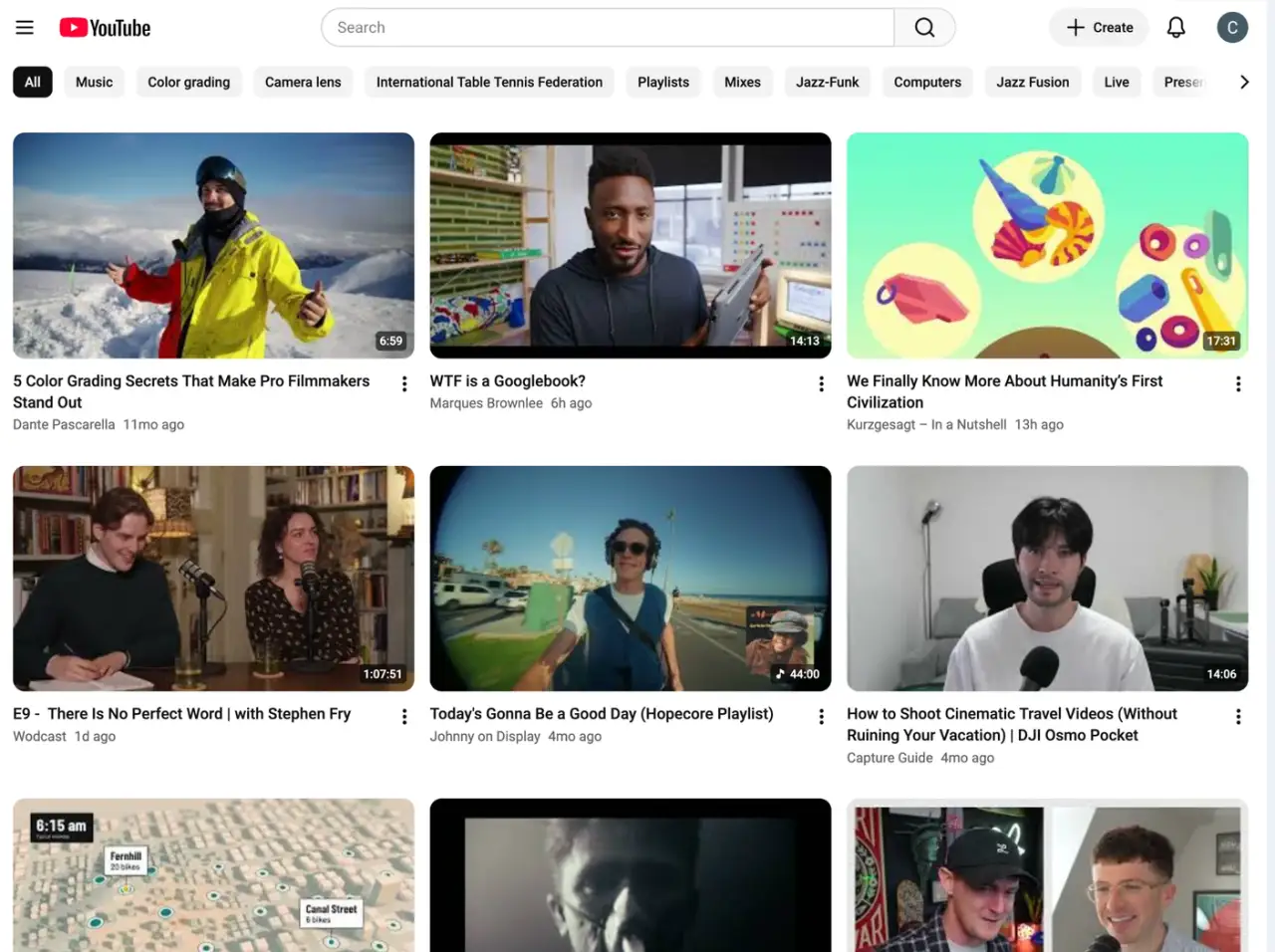
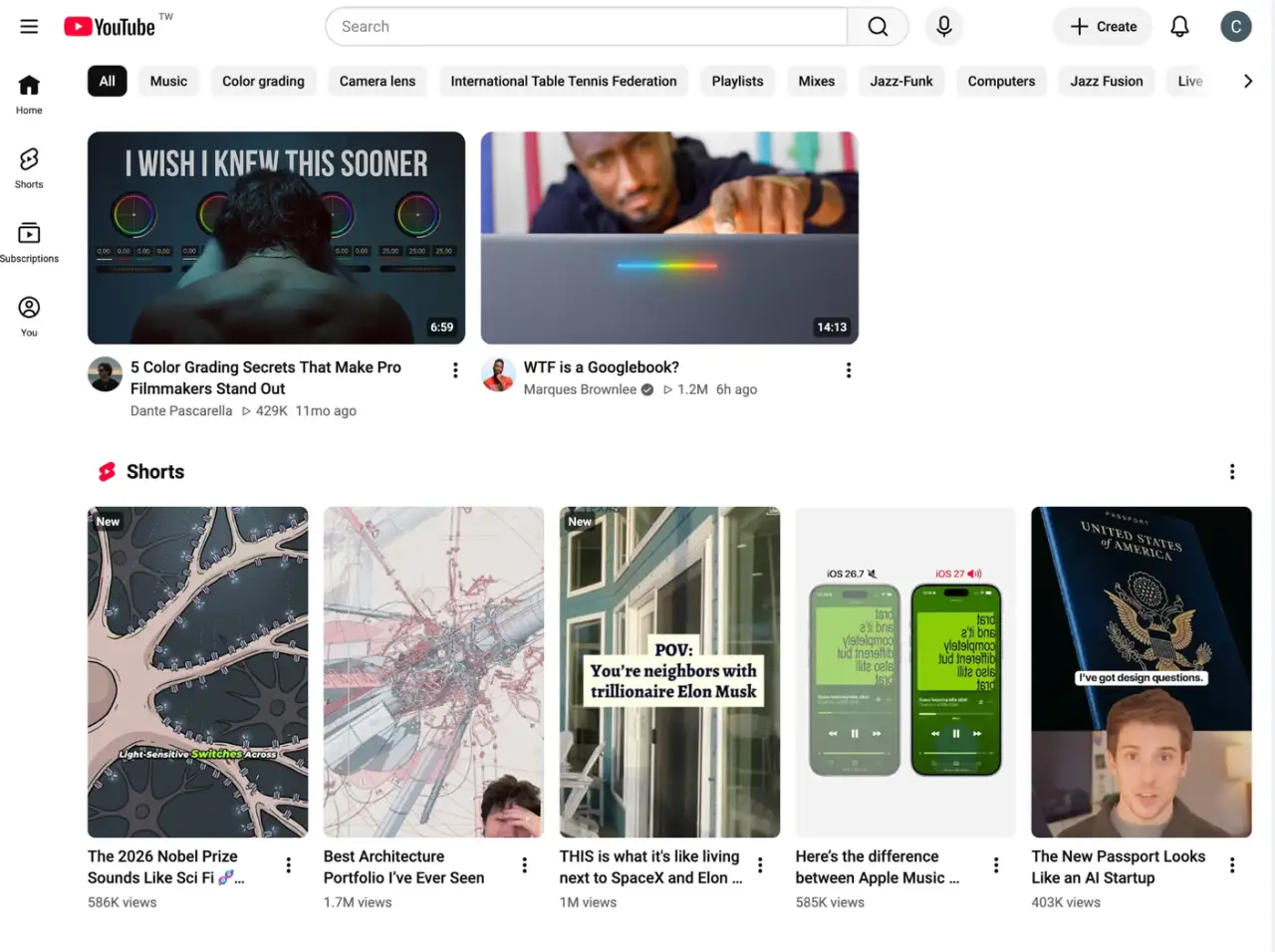
Hide what you don't want to see, like Shorts, thumbnails, or the home feed.
Free. No account needed.
A short tour
Chris, who made At Peace, shows what it does.
Plays from YouTube when you press it.
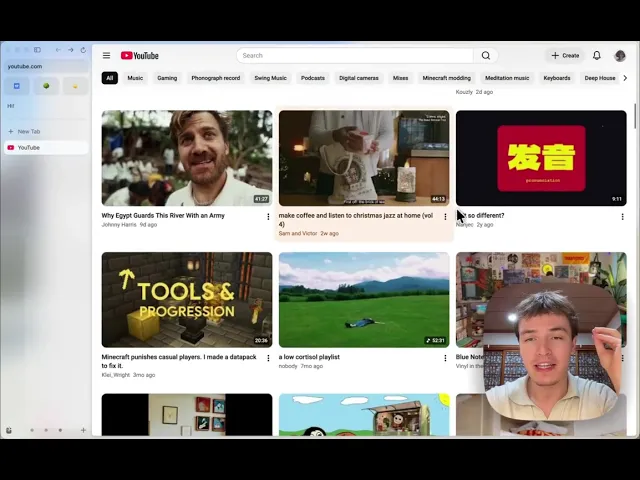 Play the tour
Just the video
Comments, related videos, the buttons under the player. Each one has its own switch, about 140 in all.
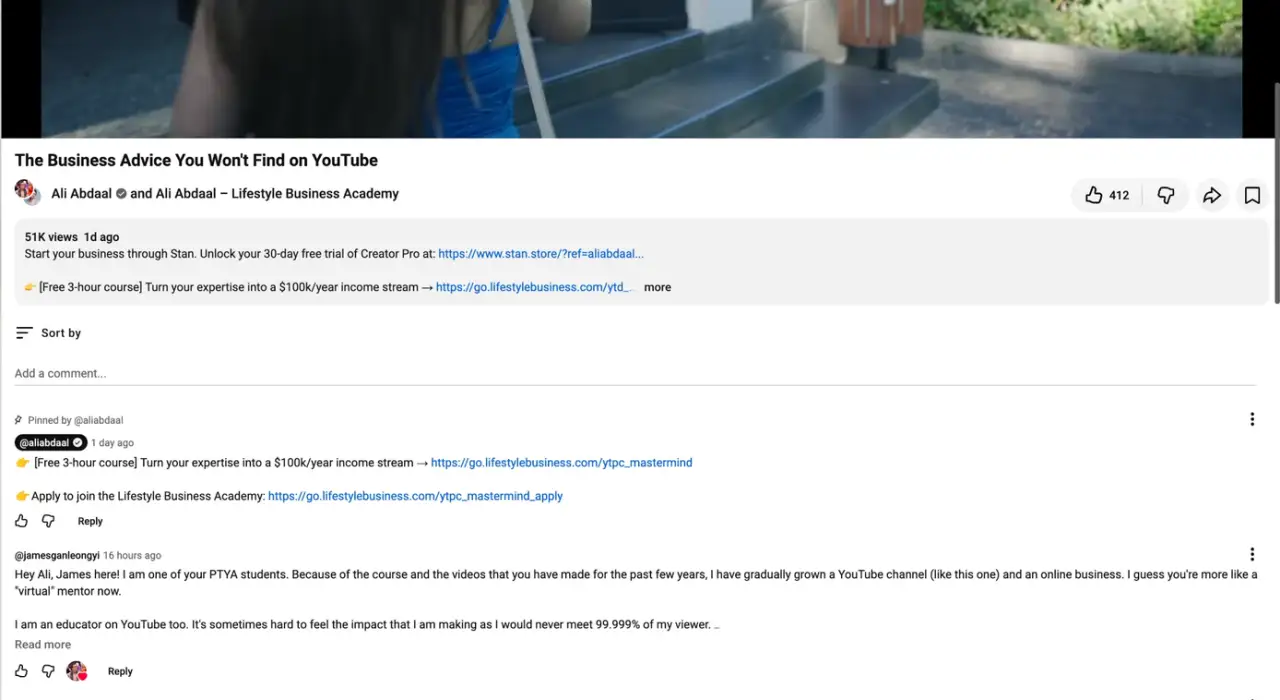
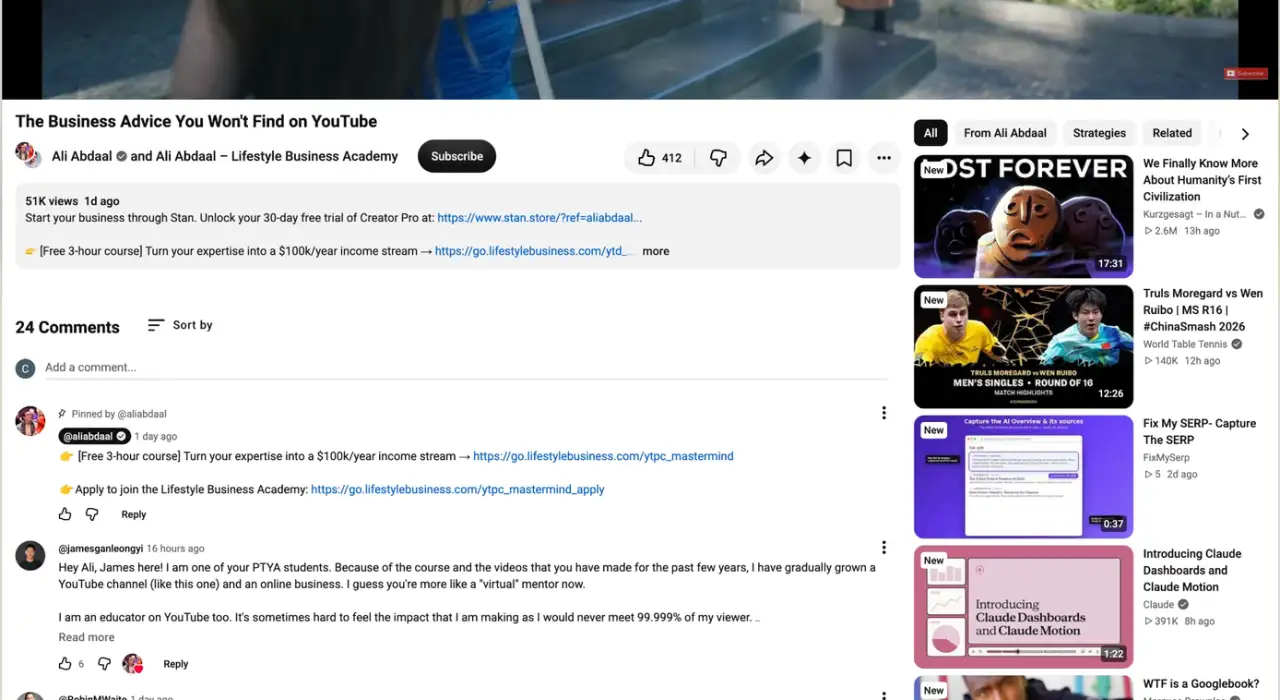
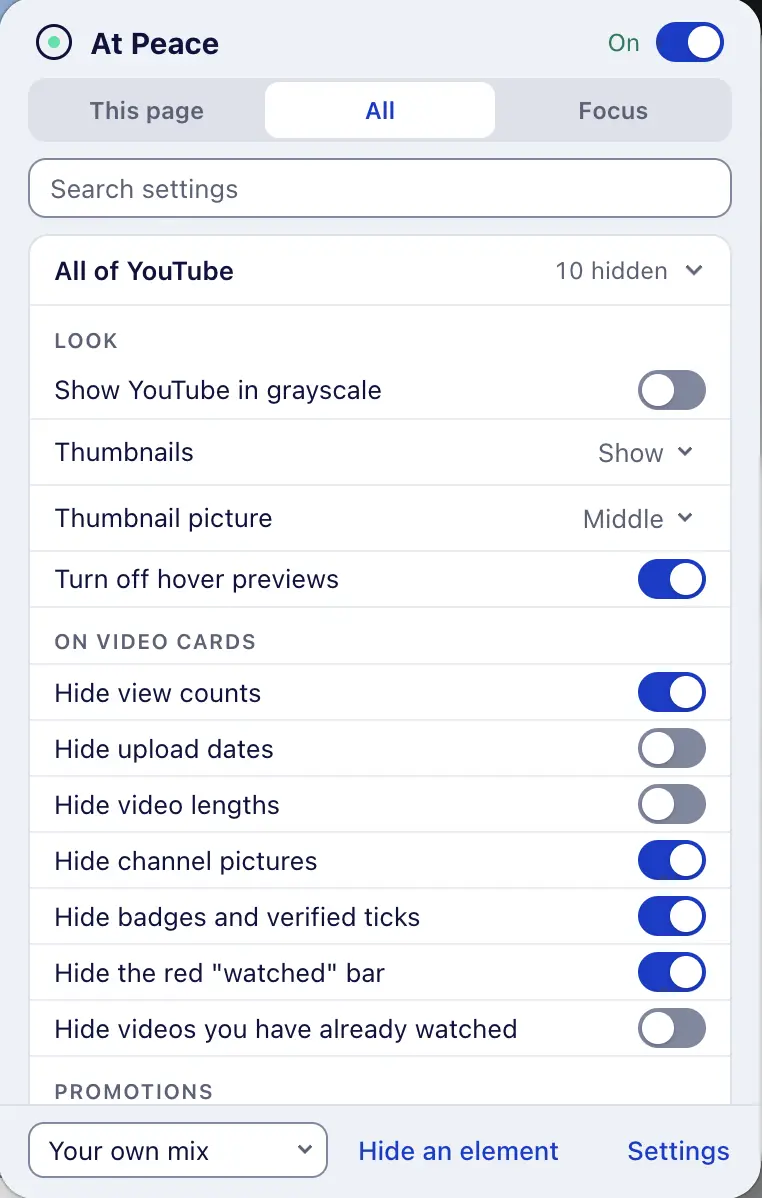
Pick what goes
Open the popup on any YouTube page and switch off what you don't need there. Or start from a preset: Gentle, Focused, Deep work.
A breath before YouTube
Before it opens, a breathing screen shows how many times you opened it today. Then you choose. When your minutes are up, the video pauses.
Block it for a while
One click blocks YouTube for 25 minutes, an hour, or the rest of the day. Weekly schedules and a daily limit do it for you.
Lock your own settings
Hiding more always works. Showing anything again takes your password, or a short wait and one sentence typed out.
Make YouTube quiet
Free. No account needed. An optional account keeps your settings in step across browsers.